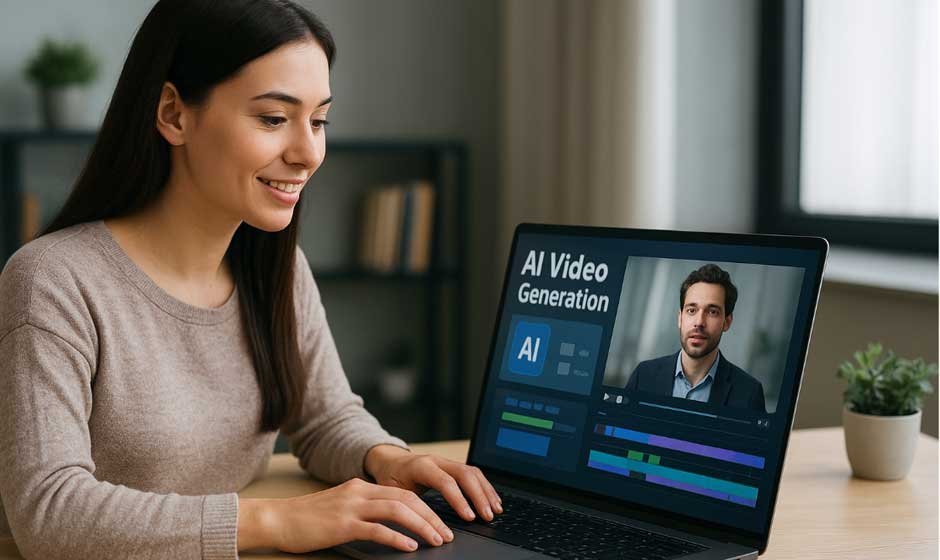
Artificial Intelligence is a specialized field within computer science that focuses on creating machines capable of performing tasks traditionally requiring human cognitive abilities, such as learning, video creation, problem-solving, and more. Over the past few years, AI has evolved from a futuristic concept into a core driver of creativity and innovation. Tools like Vidnoz AI are reshaping how content is produced, blending automation with imagination. In this guide, we’ll take an in-depth look at Vidnoz AI and explore how it’s transforming the digital content creation landscape.
Part 1: What is Vidnoz AI?
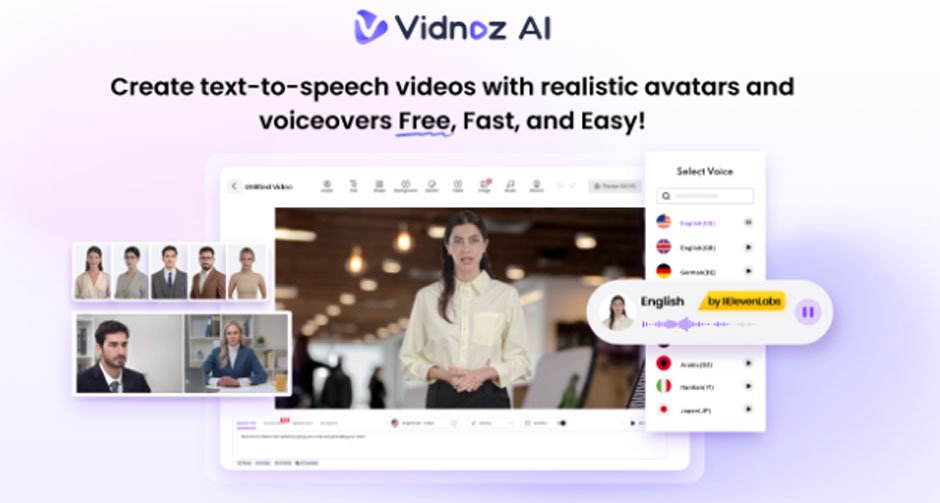
Vidnoz AI is an AI-powered video creation platform that allows users to produce high-quality videos with a single text prompt. It is certified with ISO/IEC 27001:2022 for Information Security Management. With the help of this tool, users can generate various types of videos, including Product Demo, Tutorial, How-to Guides, Explainer Videos, and more. It provides a vast library of templates, avatars, and AI-generated voices, ensuring a smooth and effortless content creation experience. The best part of this tool is that it offers an intuitive and user-friendly interface, which is best for non-tech and beginner users. Moreover, Vidnoz AI supports script-to-video conversion, automatic lip-syncing, and brand customization, enabling businesses and educators to maintain consistency across all their visual content.
Part 2: Why Every Creator Needs Vidnoz AI in Their Toolkit
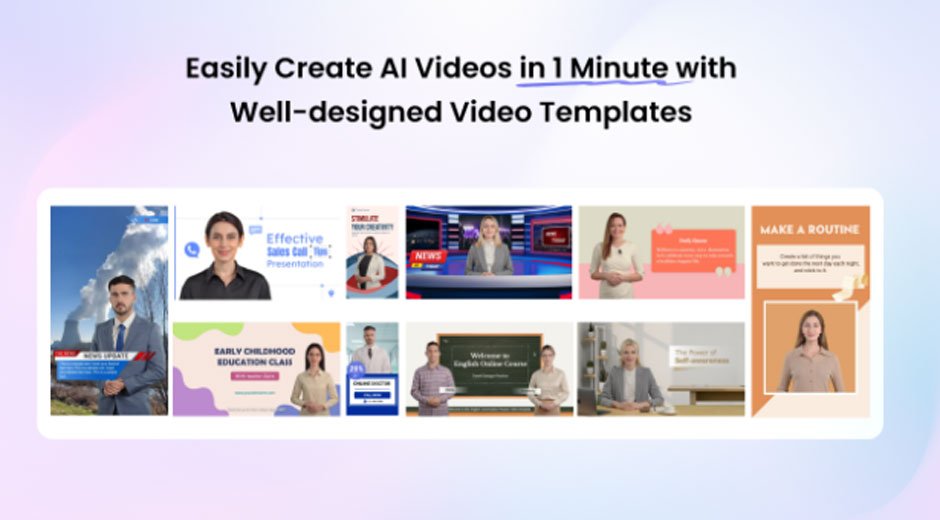
The program offers amazing features and capabilities, making it a must-have tool in 2025. Here are the top features of this tool that make it one of the best AI Video Generators available online:
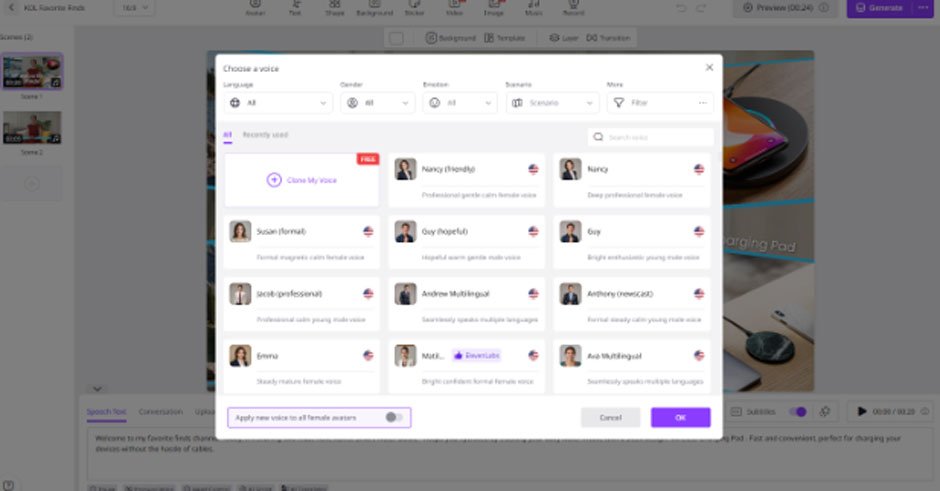
- Natural-Sounding AI Voices: Vidnoz AI offers 1830+ AI voices, all powered by ElevenLabs, Google, and Microsoft. The voice library of this program includes the voices of celebrities, politicians, anime, cartoon characters, and more. Plus, it supports 140+ languages, including English, Chinese, Spanish, German, French, Korean, etc.
- Personalized Video Templates: The standout feature of Vidnoz AI is its video templates, offering over 2800+ styles. With the help of these templates, users can create various types of videos such as how-to guides, product demos, tutorials, and more. Users can also utilize custom templates to expedite brand video creation.
- High-Quality Avatars: The program includes 1700+ AI Avatars from different industries, including teachers, students, doctors, chiefs, customer supporters, and hosts. In addition to a library of realistic or animated avatars, users can generate a digital twin that can speak 40+ languages using Avatar Lite and Avatar Pro offer deeper customization, such as flexible backgrounds.
- Free Version: In addition to its paid plans, Vidnoz AI also offers a free version that lets users create up to a 2-minute video daily for free. The free version also includes amazing features, such as Avatar Lite, Avatar Pro, Templates, AI Voices, AI Voice Changer, and AI Headshot Generator.
- AI Video Wizard: No editing skill required? Yes, with Vidnoz AI, users can create high-quality videos with a simple prompt or source material. Simply, input the text, choose the avatar, template, and AI voice, and click on the “Generate” button.
Part 3: The Impact of Vidnoz AI on the Future of Content Creation
The influence of Vidnoz AI extends far beyond simplifying video production —it represents a fundamental transformation.
- Revolutionizing Video Production: Vidnoz AI simplifies and accelerates video creation, allowing anyone to produce high-quality videos without professional equipment or editing skills.
- Empowering Non-Technical Creators: Its intuitive interface and automation tools make video production accessible to beginners, educators, entrepreneurs, and small businesses.
- Reducing Costs: Businesses and individuals can save significantly on hiring videographers, voice artists, and editors by relying on AI-driven workflows.
- Global Reach and Accessibility: The tools, multilingual voices, and avatars allow creators to connect with audiences worldwide, breaking language barriers.
Part 4: Step-by-Step Guide to Using Vidnoz AI in 2025
Vidnoz AI offers an intuitive interface, allowing users to create high-quality videos without professional help. Follow the instructions below to learn how to use Vidnoz AI in 2025.
- Navigate to Vidnoz AI’s official site and click on the “Create Free Video Now” button. Choose the Templates and Avatars for your video.
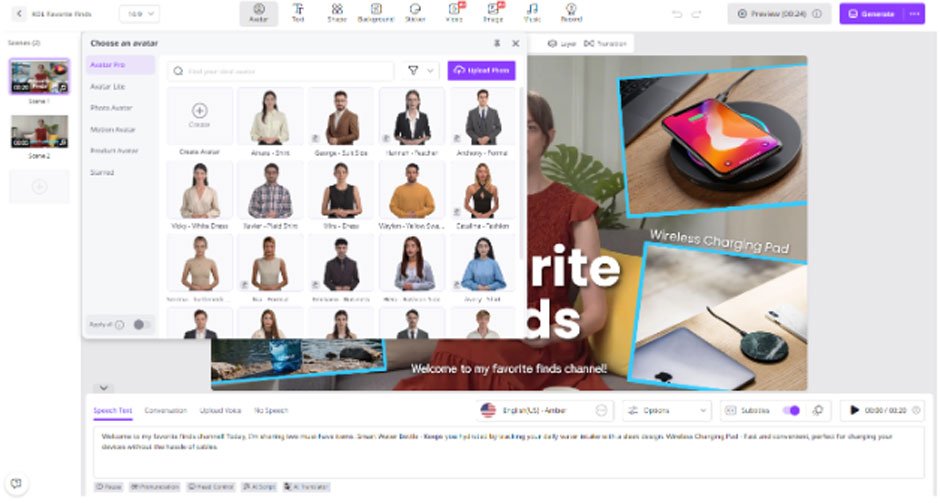
- Input the video script and select the AI voice. Users can also choose the language of the AI voice. It supports multiple languages, including English, Chinese, French, Japanese, and more.
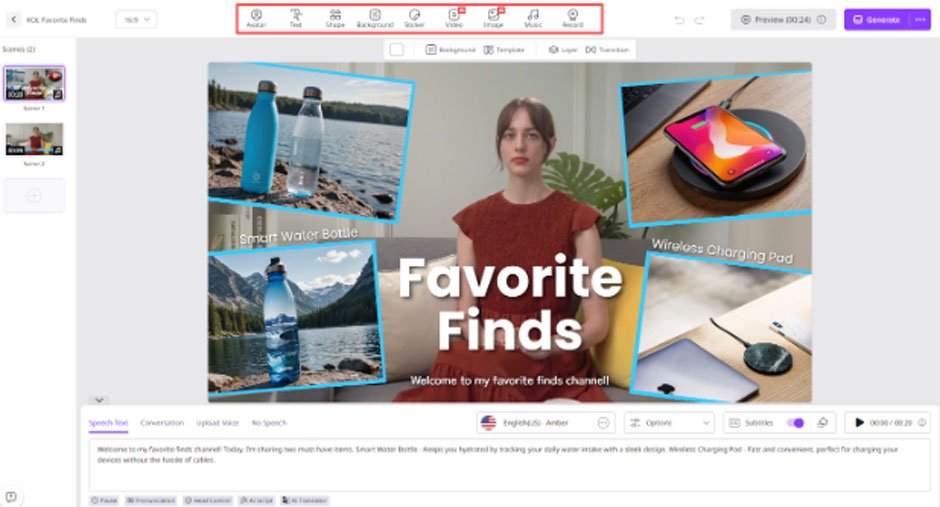
- Next, use the AI Video Editor to customize AI videos according to your requirements. It allows you to change the background, add music, insert text, and more.
- Finally, click on the “Generate” button, and within seconds, your video will be ready. Preview it and click on the “Download” button to export it in a popular format such as MP4.
Final Thoughts
The rise of Vidnoz AI marks a defining moment in the evolution of digital creativity. What once required complex tools, large budgets, and professional teams can now be accomplished through the power of artificial intelligence — quickly, affordably, and with remarkable quality.